Brief
Design a sales funnel for a mobile application that sells compact urban gardening kits in a week.
Sales funnel analysis
To create a sales funnel I had to analyse how to build one, what are the key principles behind this concept.
At first I thought it was just the interaction the customer makes from the moment they click on buy to when they receive their receipt. But it is more complex than that; as the name suggests, it is a funnel, and there are 4 key stages in it:
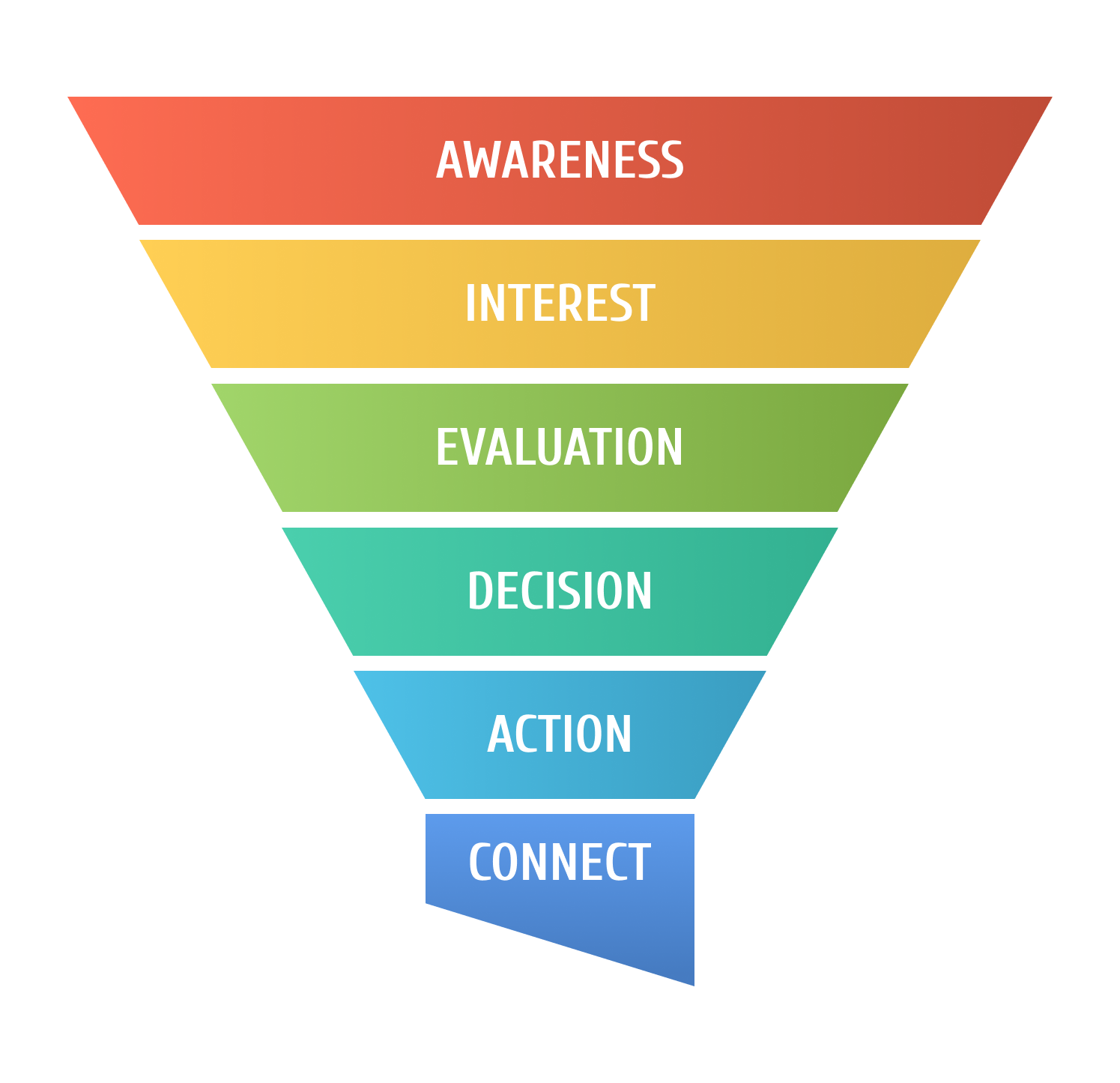
A sales funnel starts long before the action of purchase and continues even after this action has been done. It englobes the whole process of learning about the product to engaging and connecting with the customer at the end to build a relationship with them.
Positioning
To design my application, I need to know who is going to be my customer and how they are going to consume my product
Based on the brief of compact urban gardening kits, it must be people living in an apartment with at least some space to garden (like a mini balcony), they are no stranger to growing plants but require materials with no excess. But it can also be people who want to start the art of gardening and will need support to make it to the end.
iPlant is a mobile application selling compact urban gardening kits for people interested in urban gardening, with not a lot of place outside and in need of compact equipment.
Branding
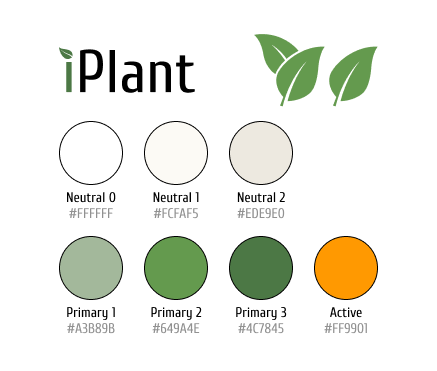
I worked on a brand with a self-explanatory name and colors, giving a natural effect.
Design system
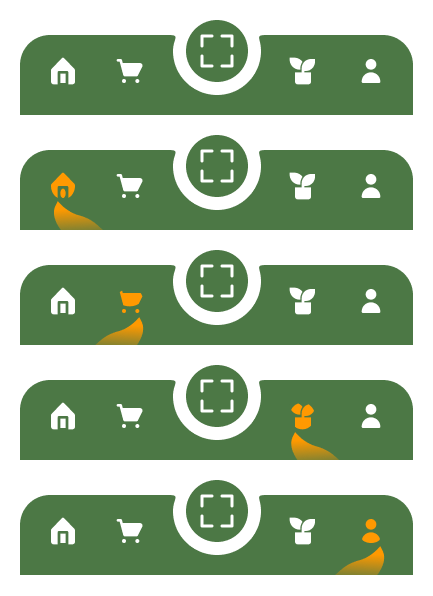
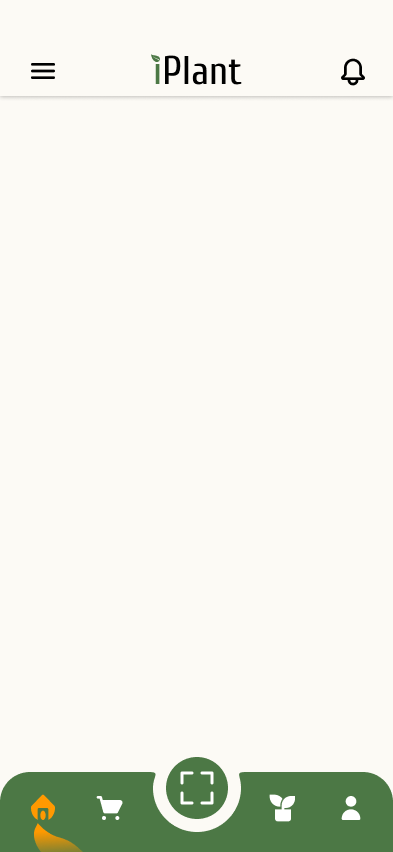
To create a strong image of the brand, I designed a navigation bar using the leaf symbol representing iPlant. When selected, the icon will be in the active color to create a contrast with the green, and a leaf in gradient will support the icon.
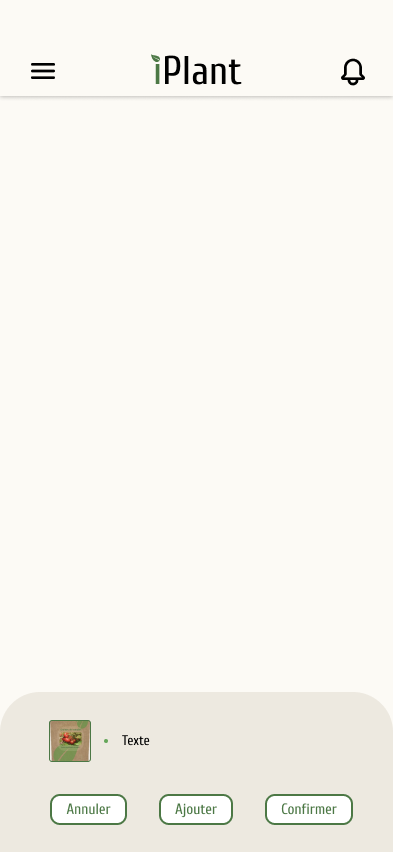
To avoid having an appearance too luxurious, instead of having a white background I chose a beige color to create a more natural effect that flows well with the green of the leaves. To make the difference between several kinds of menus, another shade of beige is being used
Customization
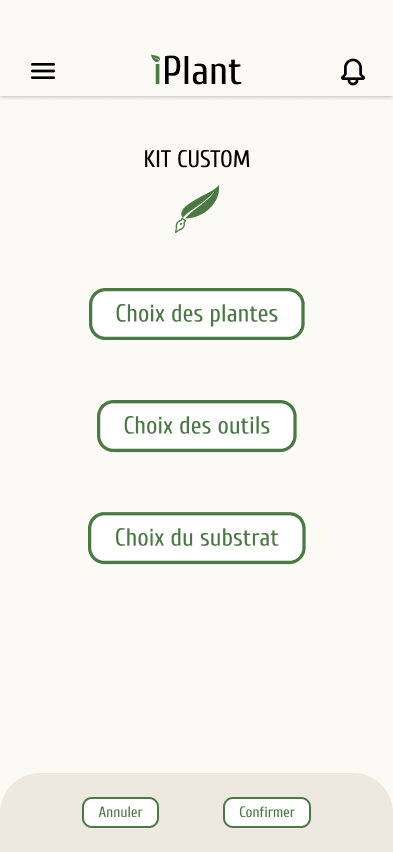
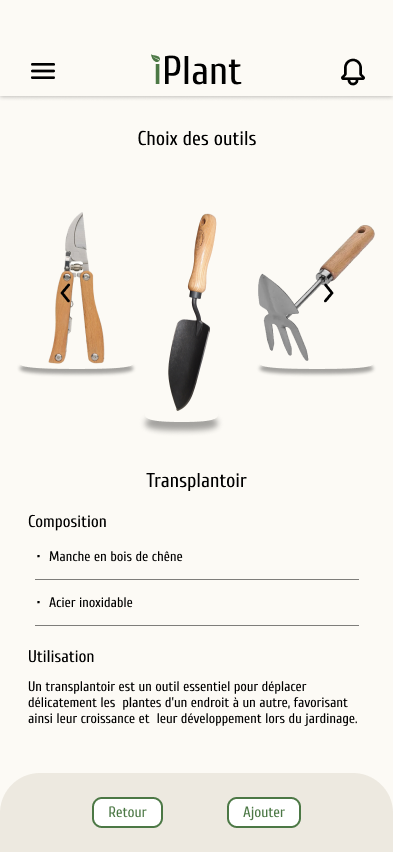
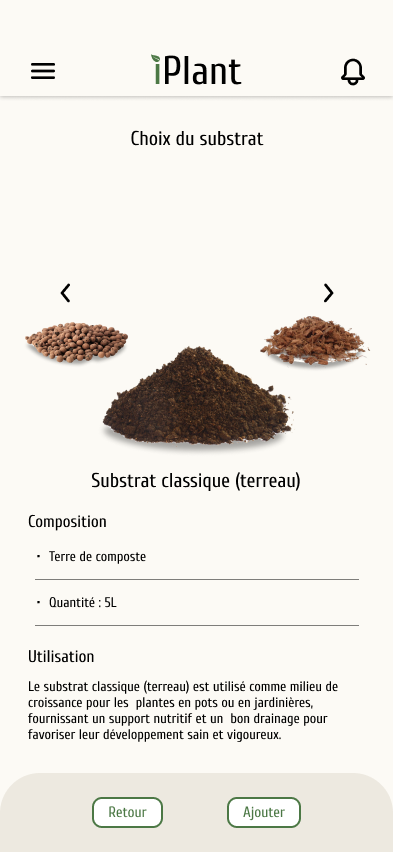
Each gardening kit comes with a variety of seeds, substrates and tools. This allows the customer to create a gardening kit that really answers his needs, whether they need less or more than what was proposed initially.
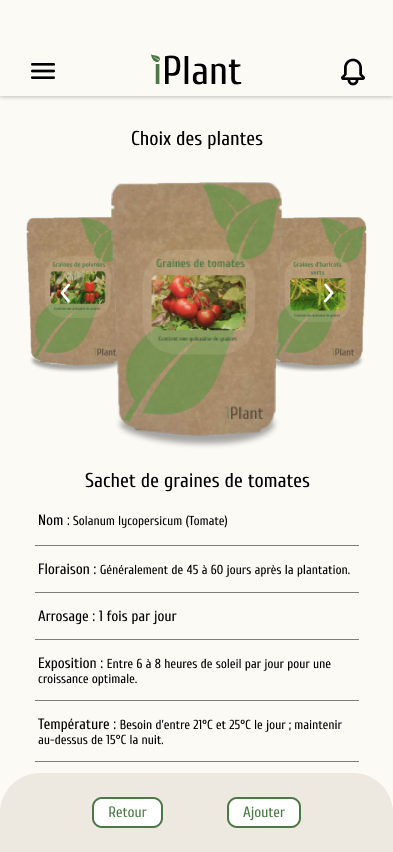
When choosing the content of their kit, each element is thoroughly described with the attention needed for the plants, the use and materials of the tools, and the composition of the substrates.
Animation
Another part of the brief was to animate the logo whether as a landing page or a loading screen included in our user flow. To create this animation I used illustrations of the leaves from Figma and animated them in After Effects. This screen shows up just after the customer makes the purchase, before showing the order confirmation screen to them.

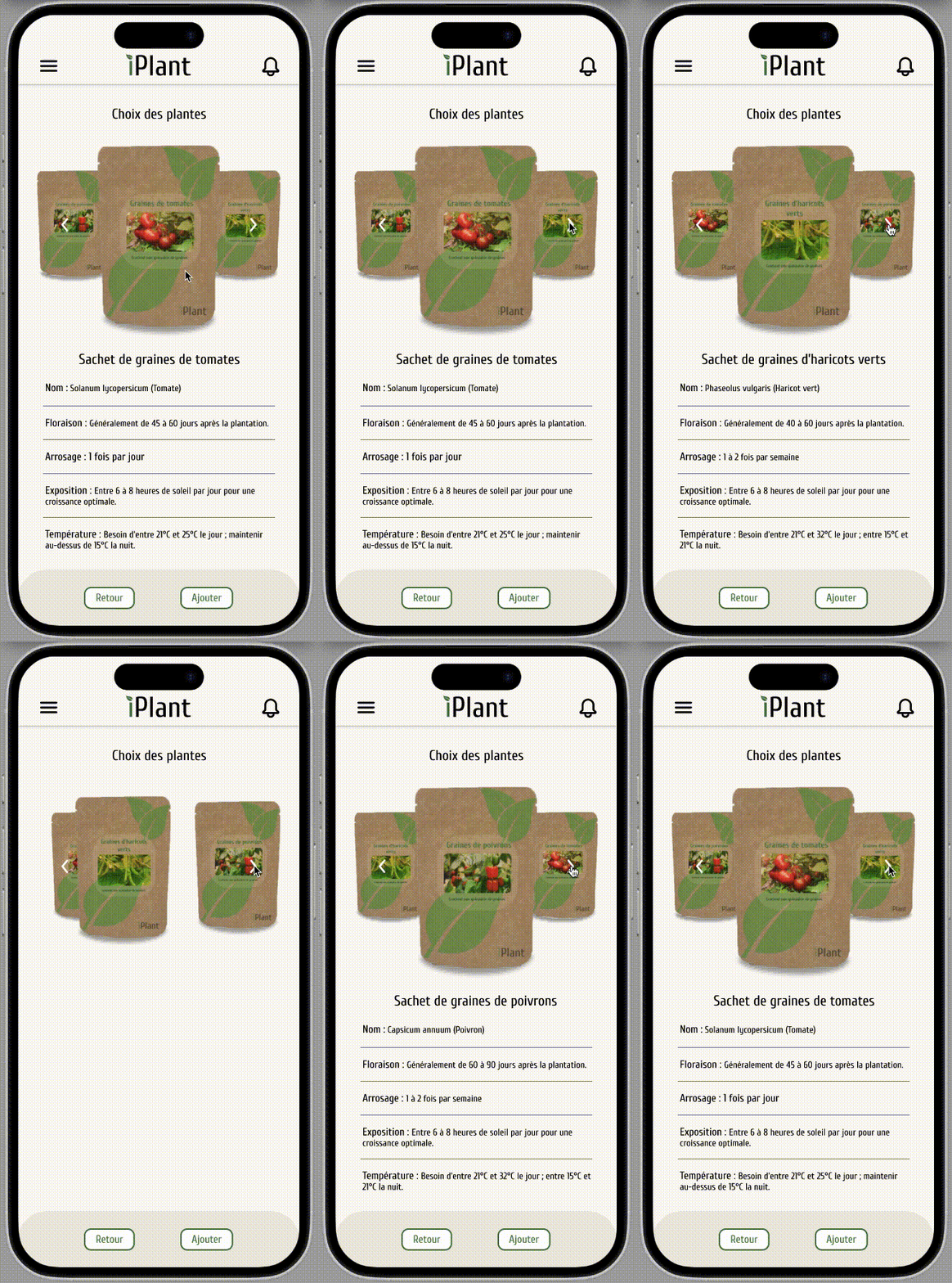
Another interesting challenge I set was to animate on Figma the selection process of customization of the kit. I wanted to create a rotating plate effect for this process using only Figma. I used a simple after delay between each frame and changed the size and position of each element throughout each frame. Setting and shifting the place and size of each element during the animation took longer than expected, but the result looks really good.

Sales funnel
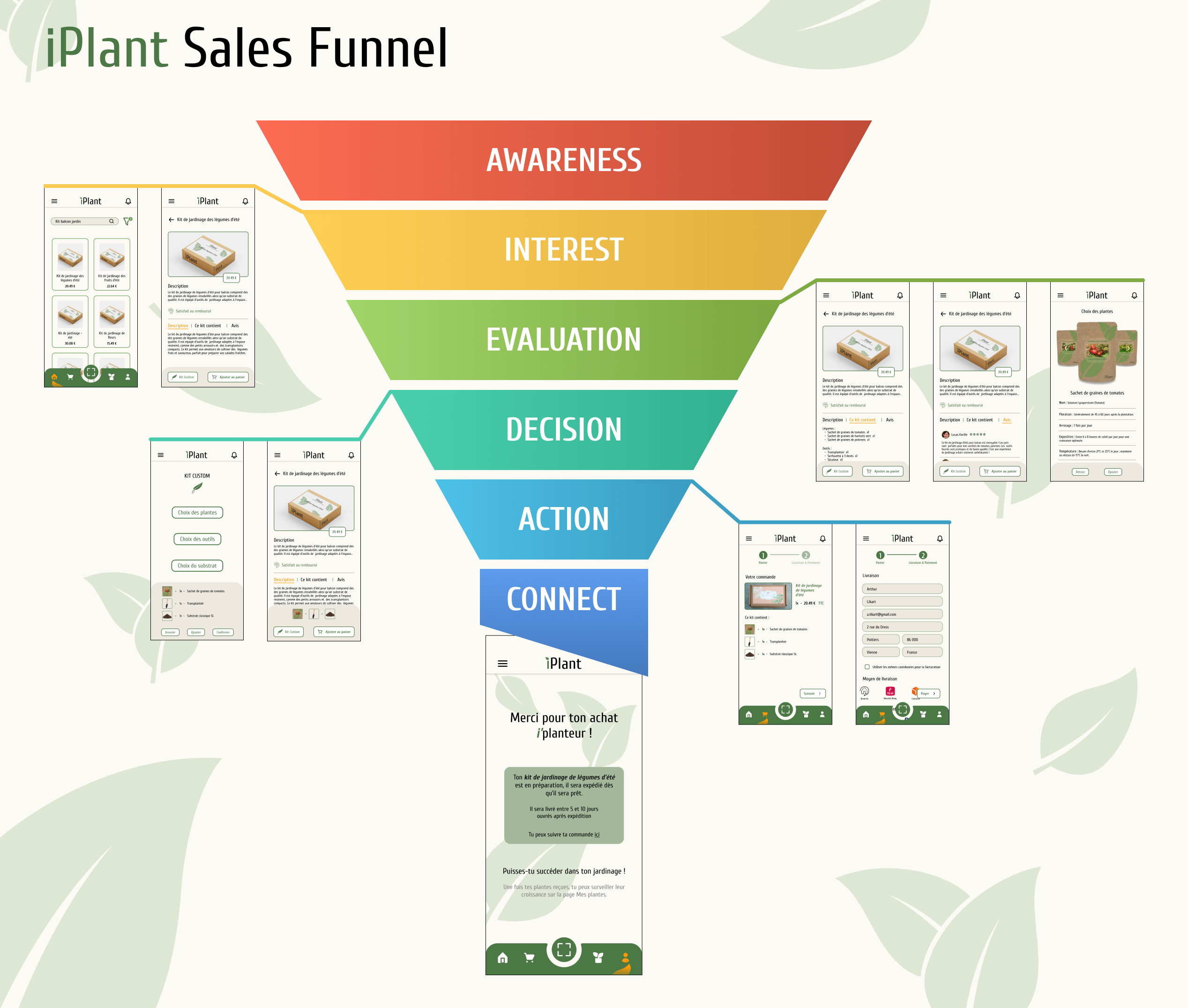
From the previous schema about the sales funnel, I adapted it to the requirements of my project since I had no place for the first stage of awareness. The customization process is an important part to allow the customer to appropriate the product.
To avoid the customer being lost in the payment process, I minimise the number of changing pages to only 3: the cart, the shipment information and the payment method, the receipt.
I thought it would be interesting to use the last stage. Through the application iPlant we can create an engagement with the customer; a page “My plants” where they can monitor their plants and set reminders to take care of them.